
Tengwar Icons 1.0
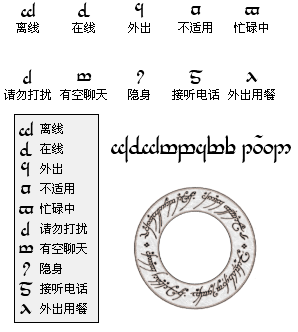
Description: Tengwar, 精灵语之一, 《魔戒》作者托尔金曾为其笔下的中土世界发明庞大复杂,且体系完整的语言;实际上,身为语言学家的托尔金,当初乃是出自于其对语言的喜好,才着手发明这些语言,而其中最有名的,便是在他各种相关作品中,大量出现的精灵语.
维基中文: http://zh.wikipedia.org/zh-cn/%E7%B2%BE%E7%81%B5%E8%AF%AD
Tengwar is a script that was invented by J.R.R. Tolkien. In his works, the tengwar script, invented by Fëanor, was used to write a number of the languages of Middle-earth, including Quenya and Sindarin. However, it can also be used to write other languages, such as English (most of Tolkien’s tengwar samples are actually in English). The word tengwar is Quenya for "letters". The corresponding singular is tengwa, "letter".
Wikipedia EN: http://en.wikipedia.org/wiki/Tengwar
More Info:
http://lancaster.themex.net/archives/1801
唐韵 TangYun (JiaGuWen) Icons .1.1
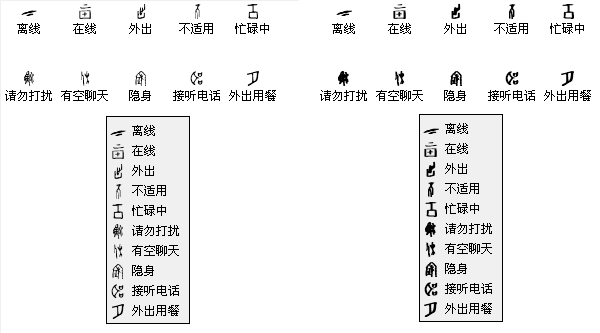
Description: proto_TangYun (JiaGuWen).dll - Normal.
proto_TangYun (JiaGuWen) Blob.dll - Blob.
proto_TangYun (JiaGuWen) White.dll - White, For Black Background.
使用甲骨文字体生成.
维基中文:
http://zh.wikipedia.org/w/index.php?title=%E7%94%B2%E9%AA%A8%E6%96%87&variant=zh-cn
Oracle bone script: refers to incised ancient Chinese characters found on oracle bones, which are animal bones or turtle shells used in divination in Bronze Age China. It is also the oldest member and ancestor of the Chinese family of scripts.
Wikipedia EN:
http://en.wikipedia.org/wiki/Jiaguwen
More Info:
http://lancaster.themex.net/archives/1211
Predator Icons 1.0.1
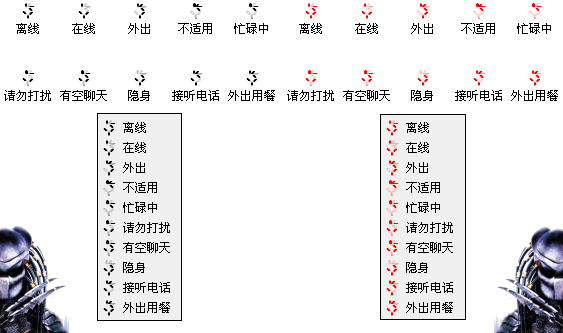
Description: proto_Predator.dll - Black
proto_Predator(Red).dll
More Screenshot:
http://lancaster.themex.net/archives/1794
Tut.by icons 1.0
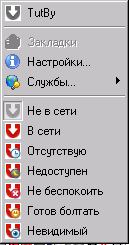
Description: Since Tut.by use Google, you can use your Tut.by mail account as Google Talk account and setup it in Miranda as Jabber account. Here the status icons for it.
Main icon is taken from Tut.by favicon.
Overlay icons are taken from dEM(tm) Status Icons pack by
by Ducho Chanev (http://addons.miranda-im.org/details.php?action=viewfile&id=3306).
These icons are copyright of their respective owners.
Please note: if you has INTERNAL account name different from TutBy, you MUST select this iconpack in Miranda settings (Customize - Icons - Status - <internal account name>) to be shown.
Miranda imo2sproxy preloader 0.3.0
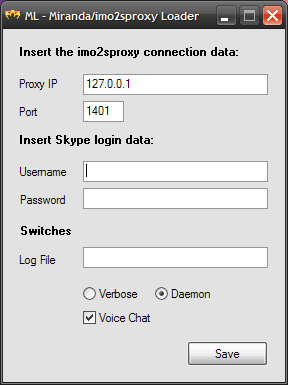
Description: This is a simple program that loads the "imo to Skype proxy" file (imo2sproxy) before running miranda.
Usage:
- Copy the file ml.exe inside the miarnda im folder.
- Click on ml.exe to start the program. If there is no ml.ini file in the same directory, the program will ask for configuration parameters (see the imo2sproxy documentation for more details). If ml.ini already exist, the program will load into memory imo2sproxy.exe and execute miranda32.exe
Attention, ml.exe looks in its folder for ml.ini and miranda32.exe so please do not rename these files.
For those using one of my Miranda Install&Go packages, do the following: - Copy the file ml.exe inside the installation folder of Miranda IG….
- Edit the file ml.ini to enter your Skype account and other parameters required by the proxy (see the imo2sproxy documentation for more details)
- From the Start menu, find the choice Miranda IG… and click on it with the right mouse button. A menu appears, click on the last item that should be Properties. In the dialog that appears, find the field "Destination", change only the filename from the path by replacing miranda32.exe with ml.exe. In the next field, which should be "From", enter the installation path of Miranda IG… . Practically equal to the contents of the previous field, omitting the name of the file.
You should have something like this:
Destination: c:\Program Files\Miranda IG…\ml.exe
From c:\Program Files\Miranda IG…<br /> - Click on the menu choice Miranda to start the ml.exe program. If there is no ml.ini file in the same directory, the program will ask for configuration parameters (see the imo2sproxy documentation for more details). If ml.ini already exist, the program will load into memory imo2sproxy.exe and execute miranda32.exe
UPDATE:
For those that have the previous versions, remember to delete the ml.ini so that the program can ask again the paramaters and encrypt them to the new ml.ini file.
Thats all.
Sal.
GoogleTalk Icon Set 1.0.0.0
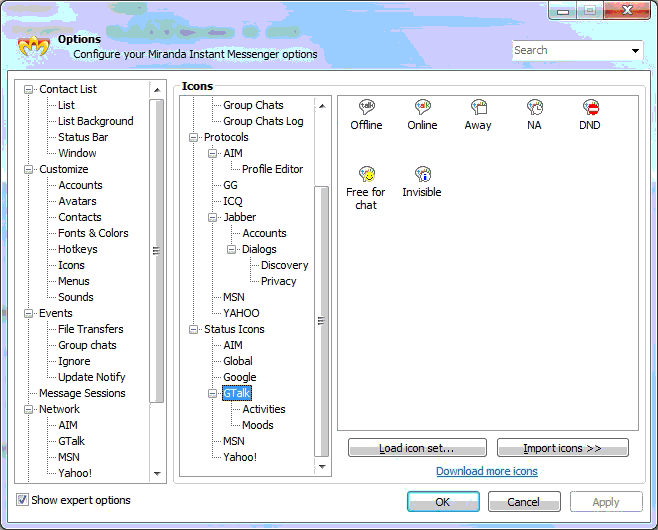
Description: Having discovered problems loading older GoogleTalk icon files when running recent releases of Miranda under Windows 7, I finally gave up and created this icon set.
ALIEN Icon Pack for MSN 1.0.5.1
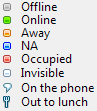
Description: ALIEN Status Icon Pack for MSN.
I use most common color scheme:
Green is for Online
Black is for Offline
White is for Invisible (many original clients)
Orange is for Away (inspiration from MSN)
Blue is for NA (inspiration from Tlen and other client)
Red is for DND (inspiration from MSN/Tlen/ICQ and other client)
Yellow is for Free for chat (inspiration from ICQ and other client)
Try it !
Get ALIEN Connection Icon Pack for MSN from here http://addons.miranda-im.org/details.php?action=viewfile&id=4080