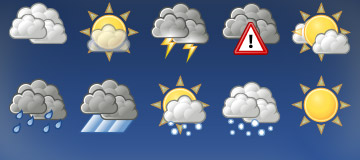
Tango Weather Avatars 0.0.0.1
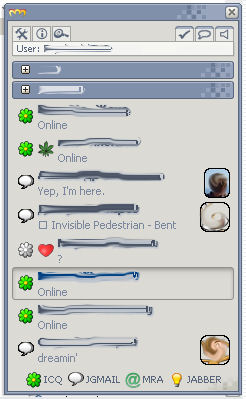
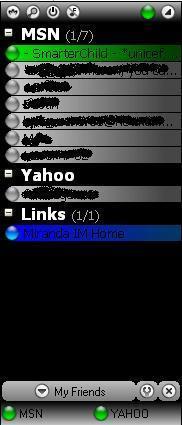
Description: Remake of my favourite Windows XP theme by bOsE - Opus. Originally skin developed by torvaldur (http://addons.miranda-im.org/details.php?action=viewfile&id=2869), I’ve made some code improvements and buttons restyle/adding.
Enjoy.
Thanks to other authors.
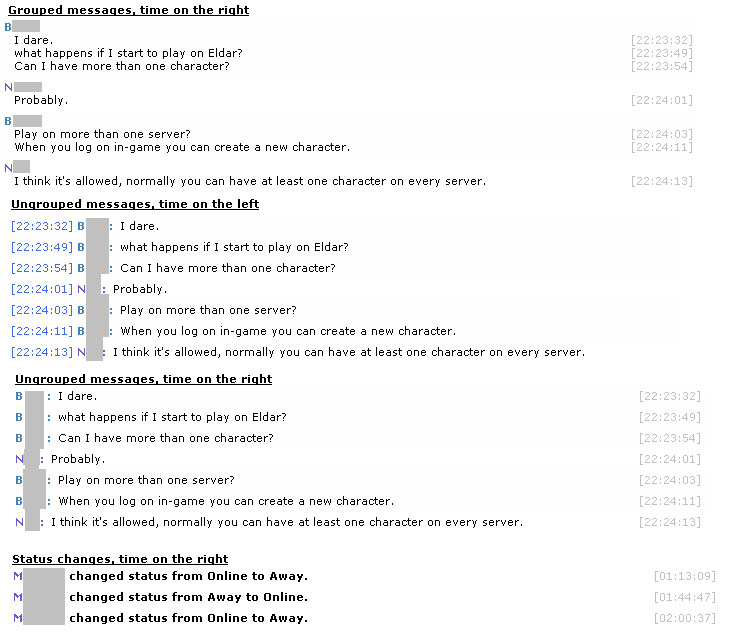
Description: This is a simple and basic skin, meant to be easy on the eye and pretty minimalistic (although not overly so). The style is somewhat inspired by Trillian’s messaging style and the kryStyle Mod Skin 1.0.
There are three variations:
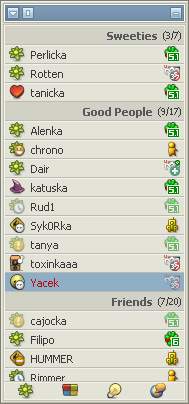
Description: Very simple miranda skin, designed to match XPMC theme from b0se
Avrythin is released as it is, many thank to dodo.
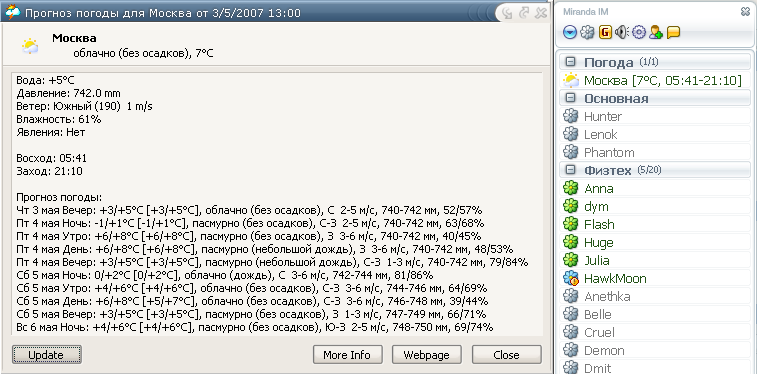
Description: This is only one unique correct ini-file for "GisMeteo" weather service with icons support.
To use it you must have weather plugin and weather icons installed.
Used language in forecast section, settings and weather data: Russian.
Corrections were made by Dmitry Kovba.

Description: Same as ICQ6 Smileys proper 1.2:
http://addons.miranda-im.org/details.php?action=viewfile&id=3528.
The addition is code image when receiving RTF in ICQ.
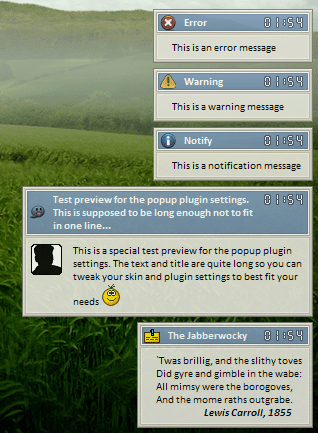
Description: PopUp+ skin to math XPMC Classic theme by cTn (http://addons.miranda-im.org/details.php?action=viewfile&id=3448)