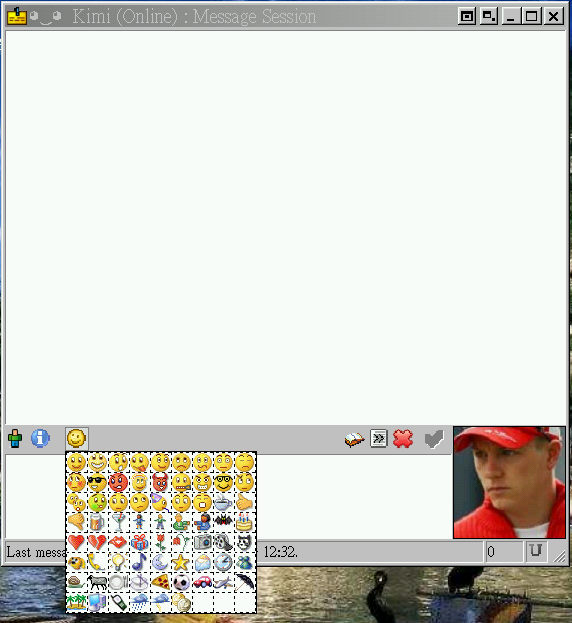
Description: This takes the concept of the Adium Emoticon Converter script (http://addons.miranda-im.org/details.php?action=viewfile&id=3554) a step further and will read a zip file that contains an Adium "emoticon set" and install this into a "Smileys" subfolder in the Miranda program folder (i.e. "(Miranda Program Folder)Smileys").
Running the script (or the exe):
- Asks you for a zip file that contains an Adium emoticon set.
- Asks you for the location of the Miranda program folder.
- Unzips the zip file into a corresponding folder in a "Smileys" folder of the Miranda program folder.
- Converts the Adium .plist file to a Miranda .asl file.
To install an Adium emoticon zip:
- Download an emoticon pack from Adium Xtras (http://www.adiumxtras.com).
- Run the script and follow the instructions.
- Once completed, you can point Miranda to using the newly installed ASL file (Options -> Customize -> Smileys). Requires the SmileyAdd Plugin, and IEView for any animated emoticons.
There are three thirdparty dependencies that the source (script) download includes:
- PListReader and W3CDate by Andrew Shearer, licensed under the Python License (http://www.shearersoftware.com/software/developers/plist/)
- EasyDialogs by Jimmy Retzlaff, licensed under the MIT license (http://www.averdevelopment.com/python/EasyDialogs.html).
There are two possible downloads:
- The source (script), which requires Python 2.5 or later to be installed.
- The executable, which was created using PyInstaller and includes all dependencies necessary and should therefore run on any system. Tested on WinXP SP2 and Windows Vista.
Update:
- See changelog for fixes.
This update includes the following fixes to the AdiumEmoticonConverter script:
AdiumEmoticonConverter Version 1.0.2:
————————————-
- Now handles emoticons with spaces and quotes correctly and uses the special ASL/MSL character sequences in these situations.
- ASL files are now saved as Unicode (UTF-8 with Byte Order Marker/BOM) rather than ANSI.
- If an unexpected error happens, the script will show an error dialog with the error details rather than just quit silently.
AdiumEmoticonConverter Version 1.0.1:
- Uses EasyDialogs to create a simple interface to ask the user which file to convert.
- First version to be used with the AdiumEmoticonInstaller script.
Download