
Tut.by Connection icons 1.0

Description: Since Tut.by use Google, you can use your Tut.by mail account as Google Talk account and setup it in Miranda as Jabber account. Here the connection icons for it.
Main icon is taken from Tut.by favicon.
Connection rollover is found in the Internet.
These icons are copyright of their respective owners.
Please note: if you has INTERNAL account name different from TutBy, you MUST rename iconpack .dll to match your account name. For example, if internal name of account is XXXXX, you must rename dll to proto_conn_XXXXX.dll to be shown properly.
Tut.by icons 1.0
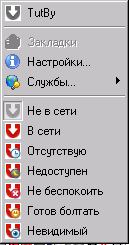
Description: Since Tut.by use Google, you can use your Tut.by mail account as Google Talk account and setup it in Miranda as Jabber account. Here the status icons for it.
Main icon is taken from Tut.by favicon.
Overlay icons are taken from dEM(tm) Status Icons pack by
by Ducho Chanev (http://addons.miranda-im.org/details.php?action=viewfile&id=3306).
These icons are copyright of their respective owners.
Please note: if you has INTERNAL account name different from TutBy, you MUST select this iconpack in Miranda settings (Customize - Icons - Status - <internal account name>) to be shown.
xpk's icons for x64 (and x86) 0.1
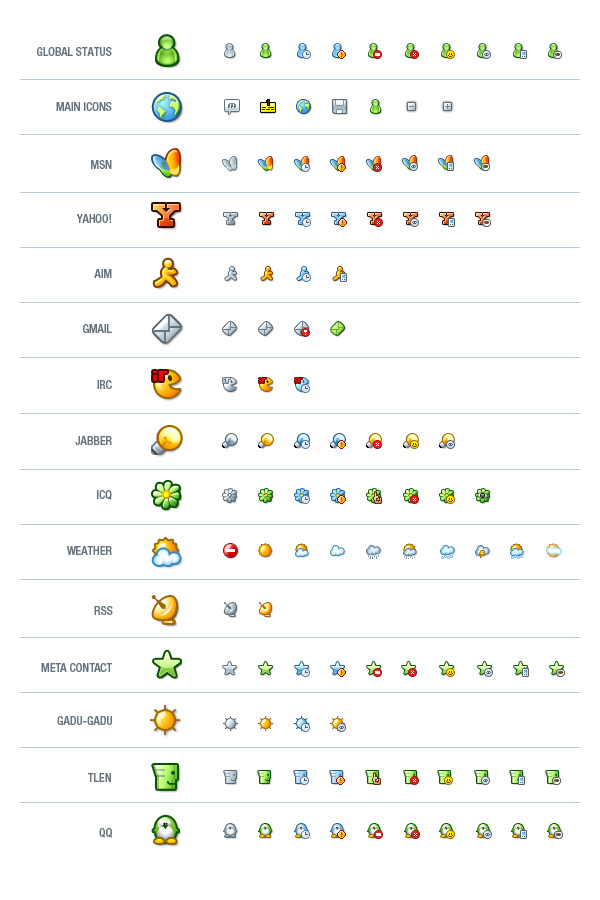
Description: I recompiled whole icon set from xpk (https://addons.miranda-im.org/details.php?action=viewfile&id=2559 & https://addons.miranda-im.org/details.php?action=viewfile&id=2592) it works fine in miranda x64 builds
Miranda imo2sproxy preloader 0.3.0
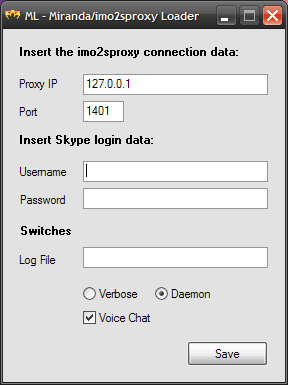
Description: This is a simple program that loads the "imo to Skype proxy" file (imo2sproxy) before running miranda.
Usage:
- Copy the file ml.exe inside the miarnda im folder.
- Click on ml.exe to start the program. If there is no ml.ini file in the same directory, the program will ask for configuration parameters (see the imo2sproxy documentation for more details). If ml.ini already exist, the program will load into memory imo2sproxy.exe and execute miranda32.exe
Attention, ml.exe looks in its folder for ml.ini and miranda32.exe so please do not rename these files.
For those using one of my Miranda Install&Go packages, do the following: - Copy the file ml.exe inside the installation folder of Miranda IG….
- Edit the file ml.ini to enter your Skype account and other parameters required by the proxy (see the imo2sproxy documentation for more details)
- From the Start menu, find the choice Miranda IG… and click on it with the right mouse button. A menu appears, click on the last item that should be Properties. In the dialog that appears, find the field "Destination", change only the filename from the path by replacing miranda32.exe with ml.exe. In the next field, which should be "From", enter the installation path of Miranda IG… . Practically equal to the contents of the previous field, omitting the name of the file.
You should have something like this:
Destination: c:\Program Files\Miranda IG…\ml.exe
From c:\Program Files\Miranda IG…<br /> - Click on the menu choice Miranda to start the ml.exe program. If there is no ml.ini file in the same directory, the program will ask for configuration parameters (see the imo2sproxy documentation for more details). If ml.ini already exist, the program will load into memory imo2sproxy.exe and execute miranda32.exe
UPDATE:
For those that have the previous versions, remember to delete the ml.ini so that the program can ask again the paramaters and encrypt them to the new ml.ini file.
Thats all.
Sal.
GoogleTalk Icon Set 1.0.0.0
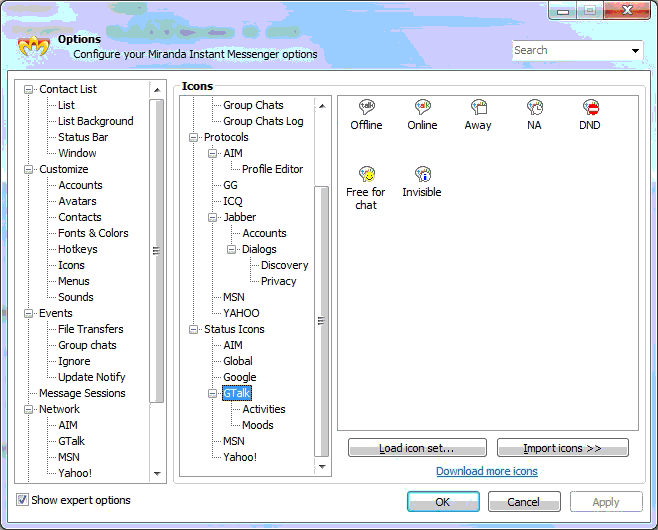
Description: Having discovered problems loading older GoogleTalk icon files when running recent releases of Miranda under Windows 7, I finally gave up and created this icon set.
StarSound 2.1

Description: Sound pack inspired by PC Game StarCraft for your messenger signalizing you incoming transmissions, status of your contacts and so on. Totaly 20 files in 22kHz quality.
This Miranda ICQ sound pack was made with help of AT&T natural voice Demo.
MF for ieview 1.4
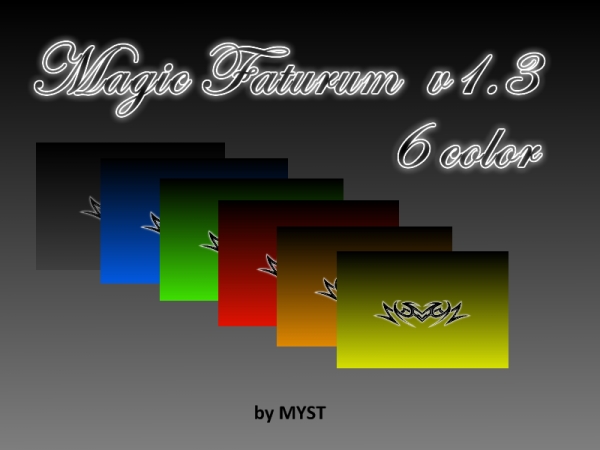
Description: Template for Miranda IM-MF.
features:
- animated smileys (SmileyAdd),
- background image in chat window,
- transparent background messages,
- tZer support (over text)
——
new versions are always here:
http://code.google.com/p/mf-project/
ChatZilla smileys 1.1
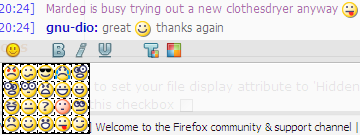
Description: This is a pack of all the ChatZilla smileys. The regexs were extracted from the contentchatzillamungers.js file. I didn’t like how I couldn’t see the familiar ChatZilla smileys, so I made it myself.
The Simpsons Skin for Modern Clist 1
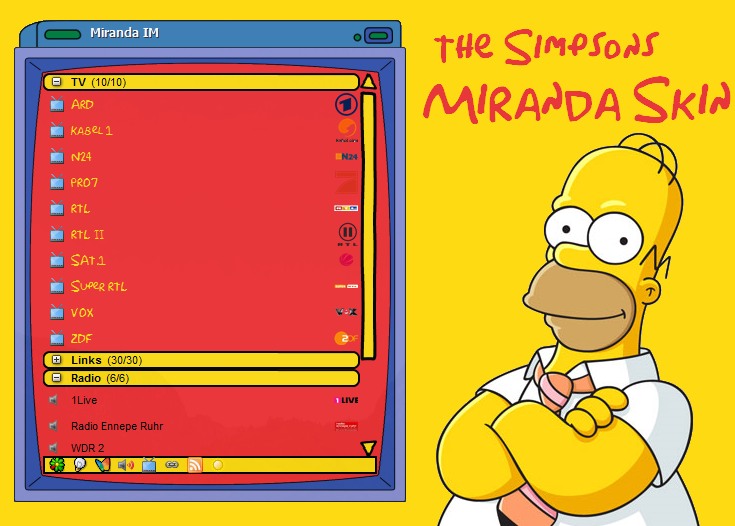
Description: A Skin that makes the modern contact list look like the simpson’s television.
On the screenshot the simpsons font is used wich you can download at http://www.dafont.com/simpsonfont.font
I also recommend to change the font colors in your contact list (the skin doesn’t change the colors.)
The Simpsons yellow: FEDA12 254,218,18
The Simpsons red: ED3133 237,49,51
ALIEN Icon Pack for MSN 1.0.5.1
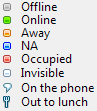
Description: ALIEN Status Icon Pack for MSN.
I use most common color scheme:
Green is for Online
Black is for Offline
White is for Invisible (many original clients)
Orange is for Away (inspiration from MSN)
Blue is for NA (inspiration from Tlen and other client)
Red is for DND (inspiration from MSN/Tlen/ICQ and other client)
Yellow is for Free for chat (inspiration from ICQ and other client)
Try it !
Get ALIEN Connection Icon Pack for MSN from here http://addons.miranda-im.org/details.php?action=viewfile&id=4080