
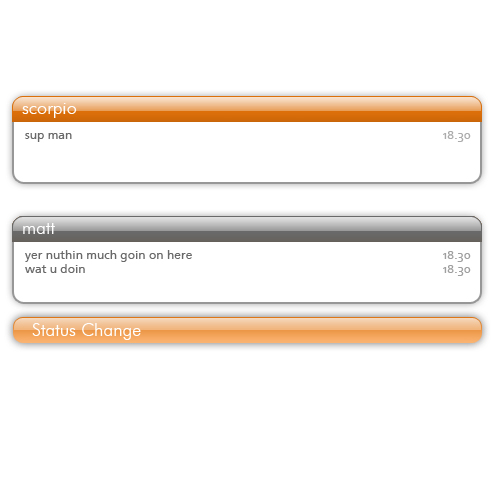
RoundGray theme for clist_nicer 1.0.1

Description: ———————————–
[RoundGray theme for clist_nicer]
———————————–
Yeah, this is just simple theme for
great clist_nicer plugin. I done it
in twenty minutes, but thx to author
of plugin - it looks really great
for me.
————————————
[Yeah, some about installation]
————————————
- This theme done for a clist_nicer plugin.
If you do not have it yet, you can get it
from this place:
http://files.miranda-im.org/testing/archive/clist_nicer.zip
- Unpack round_gray.clist.
- And now - find List-Background+ in your
options.
In top of the opened window click a ‘Import’
button. Find and choose in open dialog file
round_gray.clist.
- Use =)
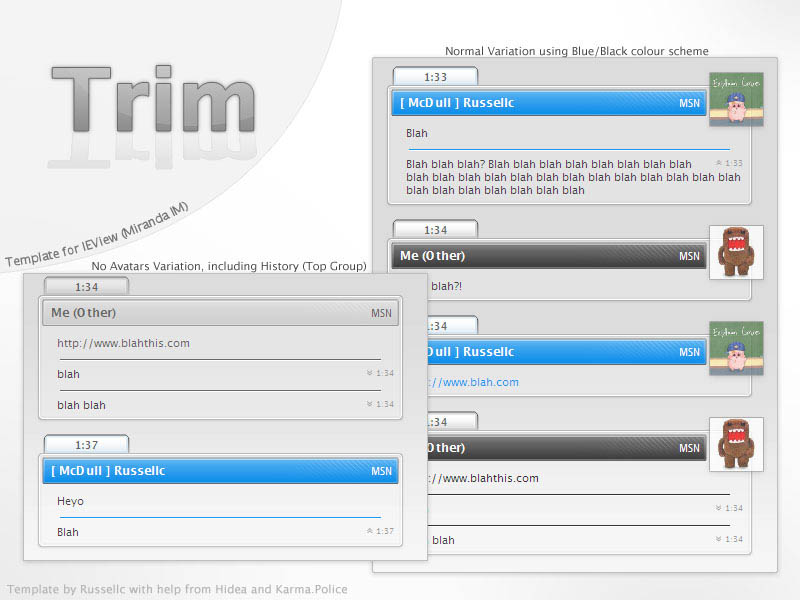
xp++ IEview template 0.1
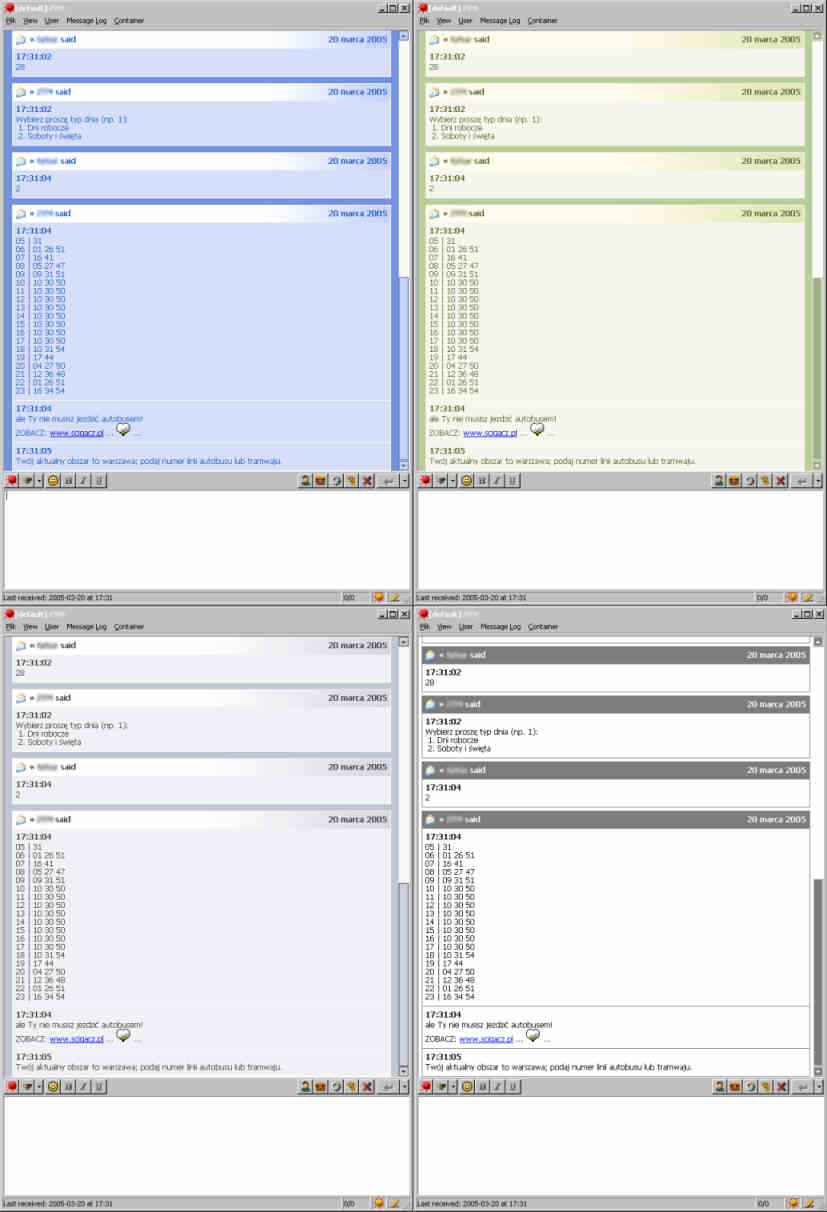
Description: Template to use with IEview plugin. Resembles the right-handed panels which you can see when you browse your folders.
Contains 4 color themes (corresponding to windows xp luna theme):
- blue
- silver
- olive
- standard windows
Supports message grouping.
Doesn’t support avatar’s (I use tabSRMM which shows avatars in lower-right corner and I like it)
Minibubble 2 Port 1.0.1
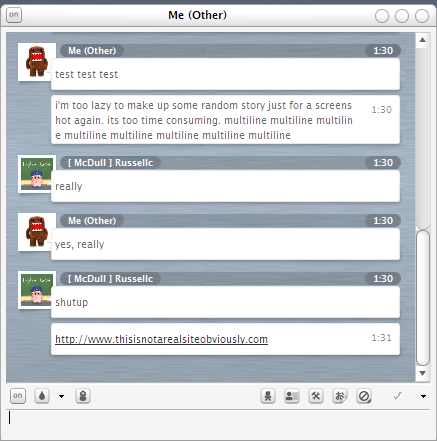
Description: I’ll make this description short and sweet as I am pretty tired from my plane ride back from Florida. This was made a week ago, but it wasn’t released due to problems with IEView so I waited until after my vacation to release it.
The original Minibubble 2 is by Peter Simonsson (http://simonsson.com/). He is also the creator of the original PurePlastics. The original Minibubble 2 for AdiumX can be found here (http://www.adiumxtras.com/index.php?a=xtras&xtra_id=811). Kudos to him for a great template, yet again.
All templates will be updated if needed.
Some small notes:
Satin Port 1.2.3
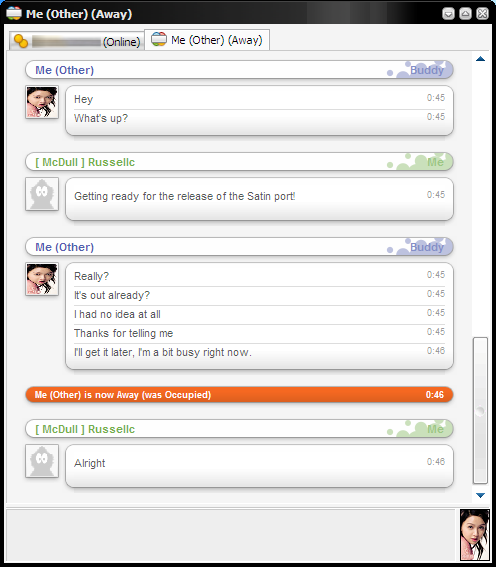
Description: Port of the original Satin style by Yojimbo. Recoding was needed due to differences in Internet Explorer and Gecko engines
I URGE everyone to read the readme! It has information on features and updates of the port that you might not know about!
You can find the original here: http://www.adiumxtras.com/index.php?a=xtras&xtra_id=305
Smooth Operator Port 1.1
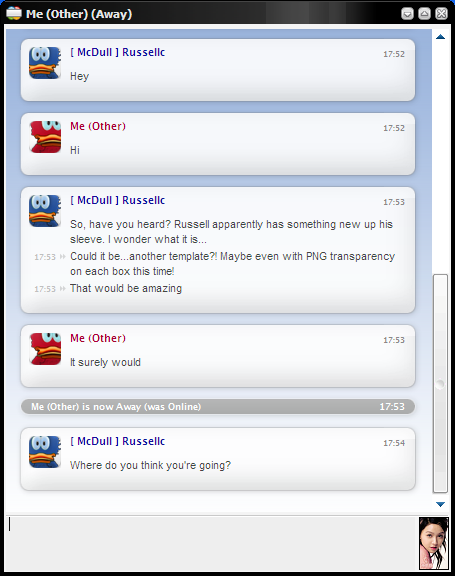
Description: This is a port of Brad Smith’s Smooth Operator for AdiumX, a template packaged with AdiumX.
PNG transparency does work! So use any background you wish to accompany your conversations! (instructions to change background in readme)
PLEASE read the readme! Lots of important information in there.
EDIT: i knew i forgot something…Fonts required are included in the download (Lucida Grande) under the fonts folder
Big Icons (Adium X Port) 1.2
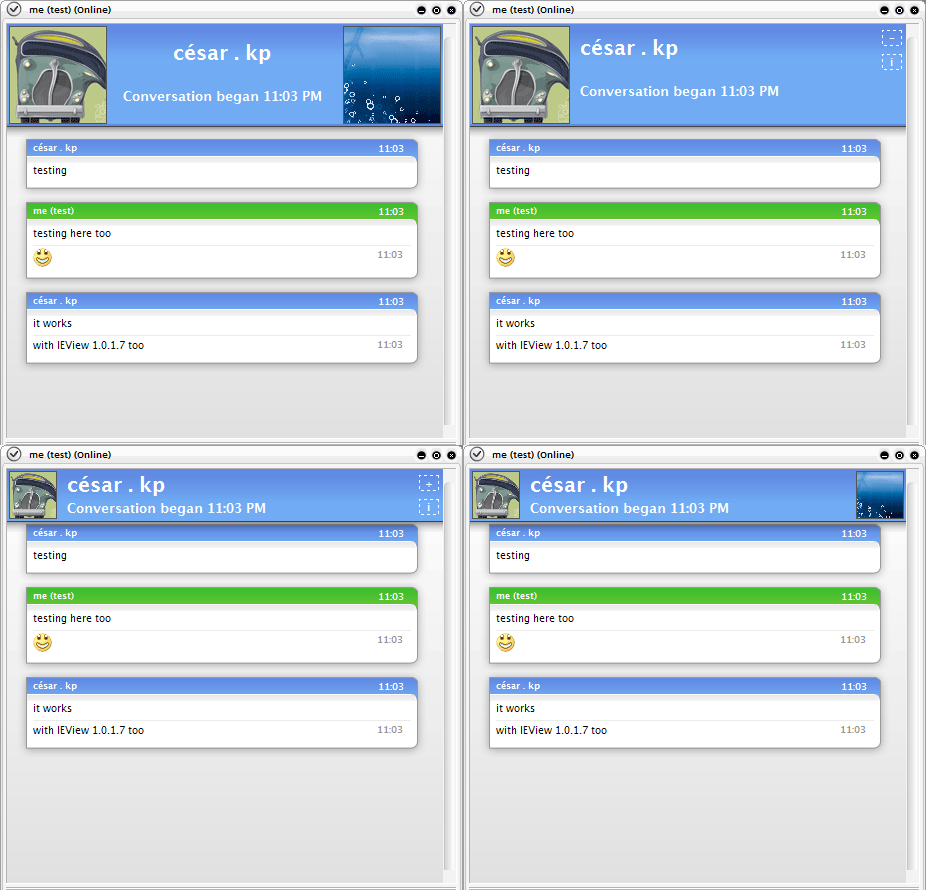
Description: It’s my third template and my first port, you can find the original for Adium X.
in http://www.adiumxtras.com/index.php?a=xtras&xtra_id=705.
- Included 10 color variations
Read the README, for bug reports please use the email address inside the README.
Orginal author: - Andy Allcorn (bob_the_gorilla)
http://homepage.ntlworld.com/allcorn/andy/
- You need Lucida Grande font too.
** The latest IEVIew (1.0.2.0): http://developer.berlios.de/project/showfiles.php?group_id=3292&release_id=5075
*** Also get the latest tabsrmm http://hell.at.eu.org/forums/index.php/topic,455.0.html
Stripes template 1.1
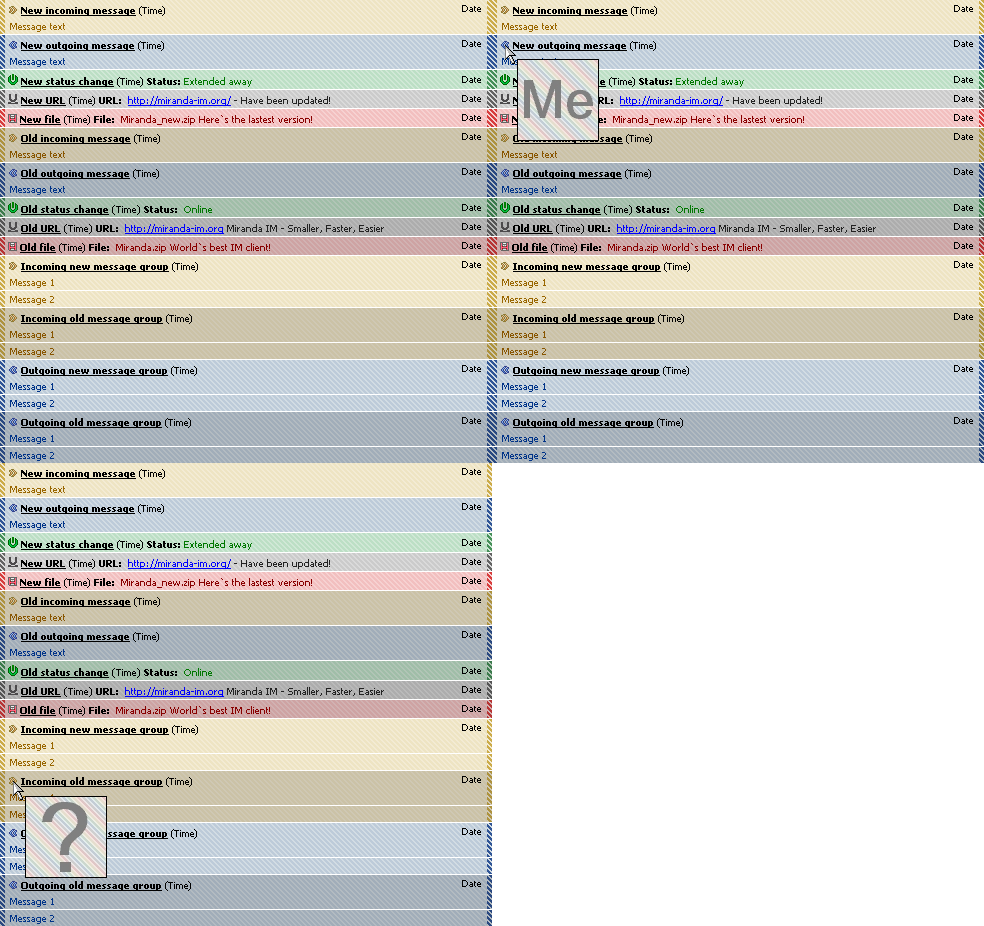
Description: Originally made by raq, but he discontinued project, and let me to continue it.
A both simple and advanced template.
I really liked it but it had no featuer which it has now, and I didn`t like BlendTrans effects of BlendTrans template, but I wanted avatars, so here it is.
Supports avatars and message grouping.
English and polish version available.
—–
Instructions:
To see your own avatar instead of default one "Me" - put another JPEG image instead of myavatar.jpg
To disable avatars support: Delete onmouseover and onmouseout properties from desired event templates
To see an avatar - just roll over your mouse over an icon ;]
Please report bugs, give suggestions and opinions :)
std.tabsrmm 0.0.0.1

Description: it’s just my theme.. who knows, maybe some1 would like it? :)
- different backgrounds colours 4 local/remote sides.
- black and gray colours 4 new and old messages in log
- header contains only time stamp