
Satin template RTL + Flash avatars 1.00
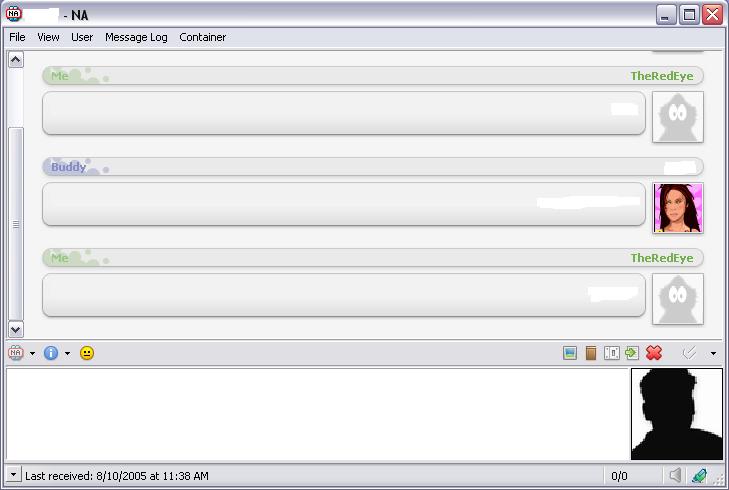
Description: It’s here, the new rtl stain template
With flashing avatars (my edit)
enjoy!
To use it u need to have:
IEview and Isee of Big Muscle
http://www.home.karneval.cz/01027053/system/ICQ.dll
http://www.home.karneval.cz/01027053/system/ieview.dll
Zinc template RTL + Flash avatars 1.00
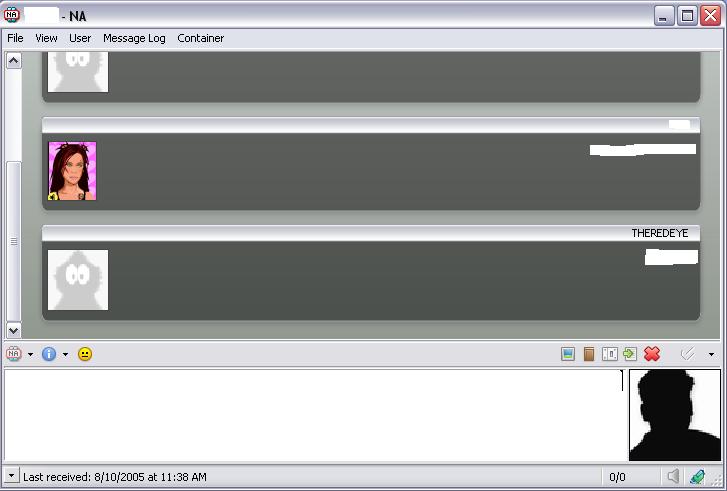
Description: Zinc template RTL with flashing avatars!
enjoy!
(my edit)
To use it u need to have:
IEview and Isee of Big Muscle
http://www.home.karneval.cz/01027053/system/ICQ.dll
http://www.home.karneval.cz/01027053/system/ieview.dll
iChat Milk 1.0
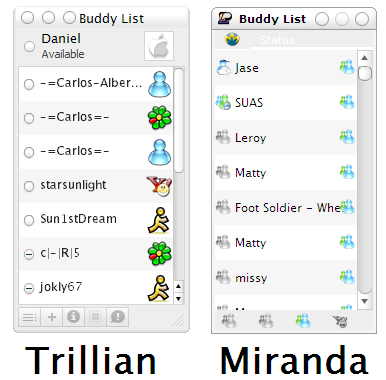
Description: iChat Milk Skin
I tried to get it as close as possible to the Trillian version.
Uncheck Tool Style Main Window
Row Height = 35
Font = Lucida Sans Unicode size 16
Icons = Real Aqua
http://www.miranda-im.org/download/details.php?action=viewfile&id=807
Visual Style = Milk
http://www.deviantart.com/deviation/5420575/
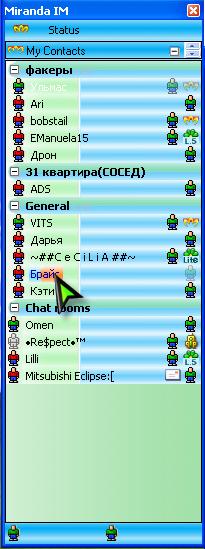
kSilver 0.1
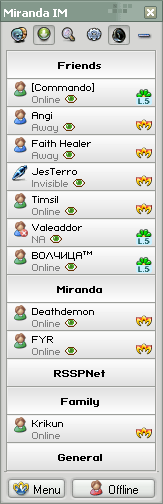
Description: Font size: 6
Row height: >=32
Icon: thunderbird 0.1 (http://www.miranda-im.org/download/details.php?action=viewfile&id=2191)
Brushed Metal Theme with Extras 0.2
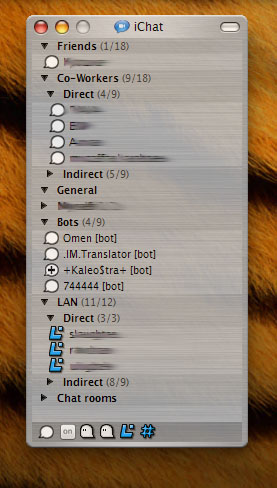
Description: Brushed metal theme for Modern Contact List. Fits best with Mac OS X Tiger theme for WindowBlinds 4.5
Extract the content to Miranda/themes folder, then go to Customize > Skins and load the brushed_metal.msf
For detailed instructions please read readme.txt
If you have any issues applying the theme to your contact list, or have any suggestions or questions to ask, feel free to contact me on
ICQ: 4402074473
Email: upulatov [at] gmail [dot] com
Ulmas
mayones theme 0.21
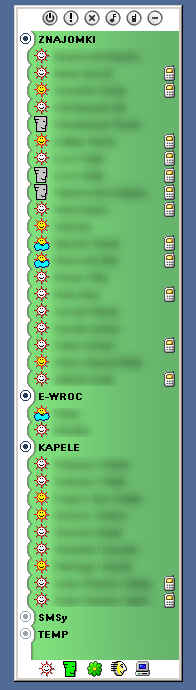
Description: skin for clist_modern
Indent groups by: 16px
Row height: 17px
————————
may0nes
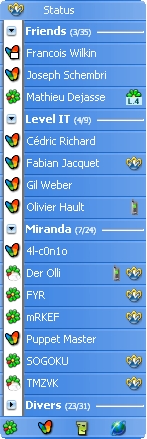
dragon template RTL 2.0
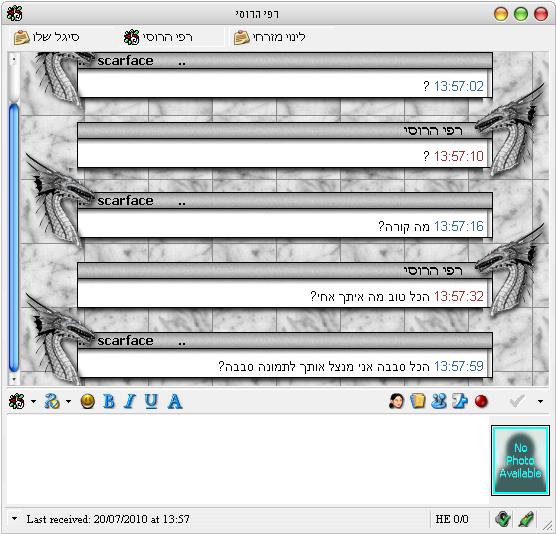
Description: this is dragons template for IEView..
is support RTL!!!
The original template was made by DFYX
and cpm tnx!!!
http://www.miranda-im.org/download/details.php?action=viewfile&id=1884
change By Adam elimelech. Tnx to BAR!!
(icq)
ADAM-567373
BAR-491516
Mac OS X Aqua Theme 1.2
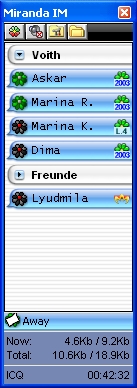
Description: Hi!
This theme is for all Mac-fans!
Your Miranda will look in MacOSX-style!
Look at screenshot!
HOW TO USE?
It’s very easy!! :))
- Just copy "MacOSX" folder in your "%Miranda%\Skins" folder.
- Go into Options->Customize->Skin and load "MacOSX.MSF" from your "%Miranda%\Skins\MacOSX" folder.
- Go into Options->Customize->List Text and change row hight to 24 pixels
- Go into Options->Contact List->List and change in Visual area Left margin to 7 pixels
- Than go into Options->TopToolBar->TTBBackground and use as background bitmap toptoolbar.bmp from "%Miranda%\Skins\MacOSX" folder
Enjoy!
P.S. Please note it was tested with
Miranda 0.4.0.1
clist_modern.dll 0.3.0.181
tabsrmm_unicode.dll 0.9.9.97
If you’ll have any questions please contact me ;-)
Anton ‘K@iser’
Email: kaiser@nm.ru
ICQ: 1191442
WEB: http://kaiser.nm.ru (flash)