
Combined GangstaMSN Emotes 0.91
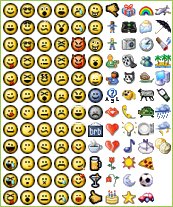
Description: This is just a .msl file to be used in conjunction with neo’s SmileyAdd version of MatriX’s OG Emotes (available at http://www.miranda-im.org/download/details.php?action=viewfile&id=1185) that combines the two original msl files together. Where possible I’ve given precedence to the MSN smiley settings, but it’s not always worked out - after staring at some 120 smileys for a couple of hours I started to go cross-eyed.
This definitions file now includes all of the smileys in the library with the following exceptions:
Smileys 39 and 68 are blank/template faces, and so left out
Smiley 54 and 103 are unassigned (because I can’t think of anything that works with them)
bat (103) is not added because it clashes with other smiley definitions
The library does not a goat (nah), but if I can find a good 16x16 version I may see if I can get it updated.
G.A.N.T. with IEView support 1.0 (G.A.N.T. 1.1)
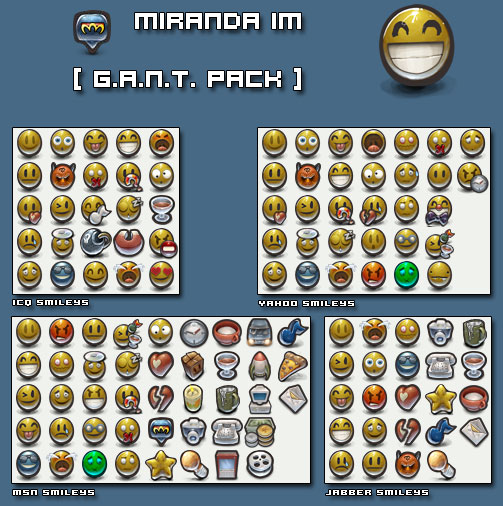
Description: The original G.A.N.T. smiley pack for SmileyAdd, now compatible with IEView.
Unzip this file in your Miranda IM/smileys directory, assign them in SmileyAdd and finally enable Transparent PNG Workaround in IEView settings.
Gadu-Gadu 7.0 emoticons 1.1
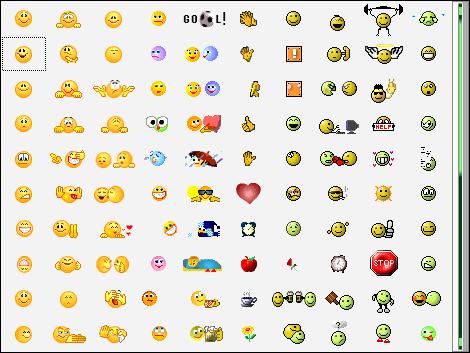
Description: This file is using Standard gadu-gadu emoticons.
(http://www.gadu-gadu.pl/pobierz.html)
Gadu-Gadu emoticons
Optimized for Gadu-Gadu 7.0 Emoticons
The GG.asl file uses Standard gadu-gadu emoticons from Gadu-Gadu 7.0,
(three directories "1", "2" and "3" from by default -> "c:Program FilesGadu-Gaduemots")
Copy unzipped file (GG.asl) and directores (1,2,3) to your ’emots’ folder of your
installation of Miranda (By default "C:Program FilesMiranda IMSkinsEmots").
IEView (ver. < 1.0.5.0):
point to this file from IEView settings panel in Miranda Preferences - ‘Emoticons’ tabsheet
Smileyadd:
point to this file in Miranda Preferences - Customise - Emoticons
Everything works like in original client ! :)
I recommend to use Smileyadd because IEView has some limition of available icons.
ICQ Pro 2003b Smiles 1.1
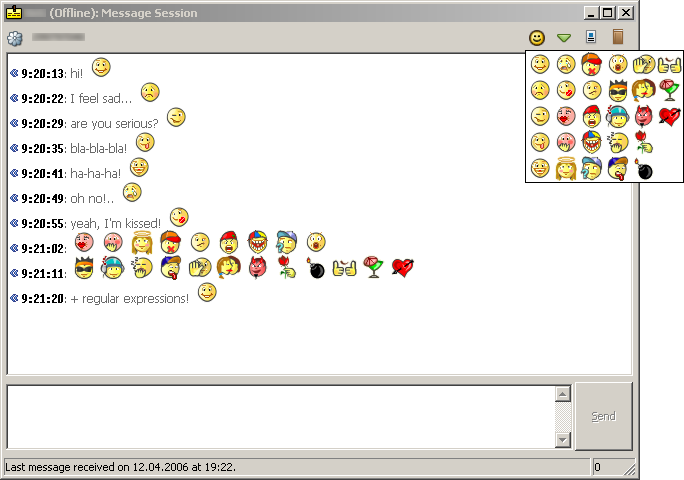
Description: Original ICQ Pro 2003b smiles (ONLY .msl file).
This release doesn’t include any smile pictures, so standard ICQ Pro 2003b library called "icquiex.dll" is required.
You can download ICQ Pro 2003b from here:
http://www.icq.com/download/pro/
or you can download just "icquiex.dll" from here:
http://rapidshare.de/files/17867880/icquiex.zip.html
http://www.megaupload.com/?d=67IJ09LA
Installation steps:
- Extract the contents of "icqpro2003b_smiles.zip" archive into Miranda home directory (usually "C:\Program Files\Miranda").
- Copy "icquiex.dll" to "\smileys\icqpro2003b" subdirectory.
- Run "extract.bat".
- That’s all.
Tim,
timqwerty[at]yandex[dot]ru
04/13/2006
Gangsta Icons IEView Compatible 1.0
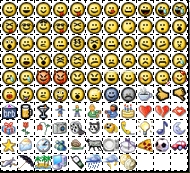
Description: This is the IEView-compatible version of the Original Gangsta Iconpack for SmileyAdd from MatriX (see: http://addons.miranda-im.org/details.php?action=viewfile&id=401)
Cool Classic Smilies 1.0
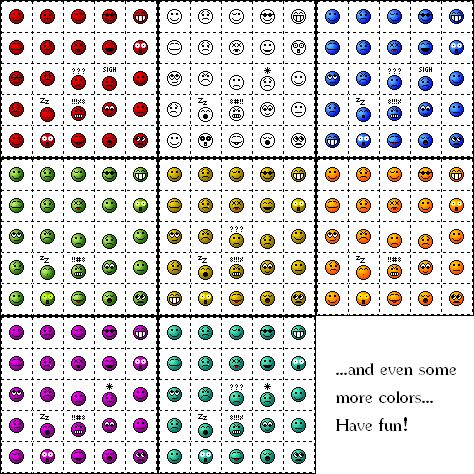
Description: These are 25 cool looking smilies that were used in the older phpBB versions and meanwhile have become cult.
They are available in 11 colors:
- beige
- black
- blue
- gray
- green
- ocher (yellow)
- orange
- pink
- red
- turquoise
- white
All of them are available for light and dark background (except for black (light bg only) and white (dark bg only) and some of them are animated.
As though it is said that you need IEView AND SmileyAdd to use this smilies, it also works with SmileyAdd only!
Have fun with those classic smilies that everyone should know and use and you maybe have been searching for a long time (as I did).
MRA Smiles for IEView 1.5
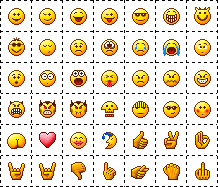
Description: Original MRA smiles for IEView, published from official Mail.Ru Agent authors permission.
All rights reserved.
MRA Smiles for nConvers 1.1
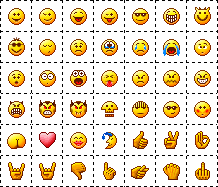
Description: Original MRA smiles for nConvers, published from official Mail.Ru Agent authors permission.
All rights reserved.
ZL Smileys 1.7.5c
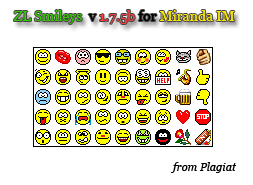
Description: ZL Smiley pack 16x16 for Miranda IM.
ICQ smileys support.
For SmileyAdd and nConvers.