AIM Global Status Icons 1

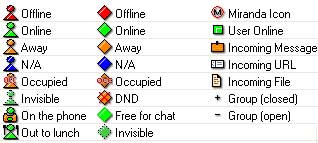
Description: A set of icons for Miranda’s Global Status, based on AIM’s well-known ones.
Game Query Icons 0.0.0.1

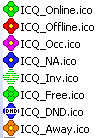
Description: This are Icons for the GameQuery-Protocol made of the original CS-Program icon.
pacifist 0.2.0
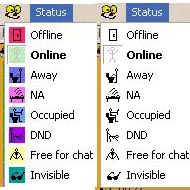
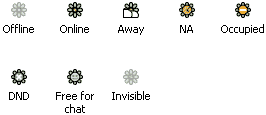
Description: just icons , new version , because some icon be sad.
there are not all in dll , download zip-file
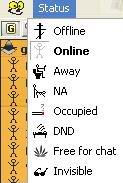
Librahrz_MIMIcons_O-> 1.1
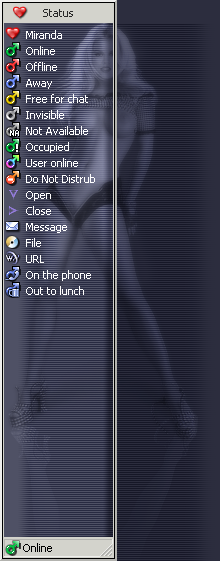
Description: Iconset for Miranda-IM (male symbol). (Background is here - http://miranda-im.org/download/details.php?action=viewfile&id=1021)
OS X Blue Icon Pack 1.0
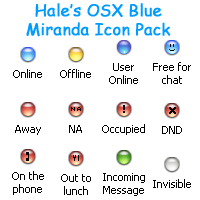
Description: Inspired by Mac OS X and NETknightX’s Faux Aqua 2.01 Icon Set. These 32-bit icons for Miranda Instant Messenger (http://www.miranda-im.org/) have been designed for WindowsXP. They look best using the included background, originally supplied by NETknightX in said Faux Aqua Icon Set.
Installation
~Zip file
1. Extract the downloadable zip file to your main Miranda directory
~Icons
1. In Miranda open Miranda IM Options, Contact List, Icons, Import Icons
2. Select the OSX Blue.dll Icon library from the Icons folder where you extracted it above
3. Drag and drop the icons from the Icon Index window on to where you want each to appear in the Miranda IM Options, Icons window
4. Click OK
~Background
1. In Miranda open Miranda IM Options, Contact List, List Background
2. Check the box next to Use Background Bitmap
3. In the box type or Browse To the background.gif in the Icons folder where you extracted it above
4. Check the boxes next to Tile Horizontally, and Tile Vertically
5. Make sure the box next to Stretch to Height is not checked
/For a Selection Colour I use Red 0, Green 155, Blue 255/
6. Click OK
Contact
~MSN HaleC2@hotmail.com
~eMail HaleC2@hotmail.com