

OS X Blue Icon Pack 1.0
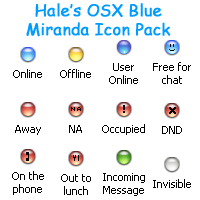
Description: Inspired by Mac OS X and NETknightX’s Faux Aqua 2.01 Icon Set. These 32-bit icons for Miranda Instant Messenger (http://www.miranda-im.org/) have been designed for WindowsXP. They look best using the included background, originally supplied by NETknightX in said Faux Aqua Icon Set.
Installation
~Zip file
1. Extract the downloadable zip file to your main Miranda directory
~Icons
1. In Miranda open Miranda IM Options, Contact List, Icons, Import Icons
2. Select the OSX Blue.dll Icon library from the Icons folder where you extracted it above
3. Drag and drop the icons from the Icon Index window on to where you want each to appear in the Miranda IM Options, Icons window
4. Click OK
~Background
1. In Miranda open Miranda IM Options, Contact List, List Background
2. Check the box next to Use Background Bitmap
3. In the box type or Browse To the background.gif in the Icons folder where you extracted it above
4. Check the boxes next to Tile Horizontally, and Tile Vertically
5. Make sure the box next to Stretch to Height is not checked
/For a Selection Colour I use Red 0, Green 155, Blue 255/
6. Click OK
Contact
~MSN HaleC2@hotmail.com
~eMail HaleC2@hotmail.com

Protocol IconSet 1.0
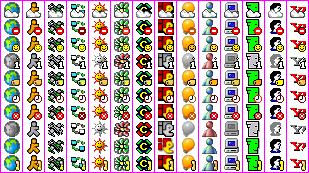
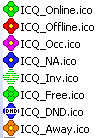
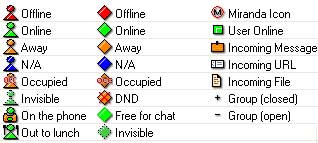
Description: A set of icons for a lot of protocol (AIM, BattleNet, EmLan, Gadu-Gadu, ICQ, ICQcorp, IRC, Jabber, MSN, NetSend, Tlen, VyChat, Yahoo) and global status.
Stripes 1.1
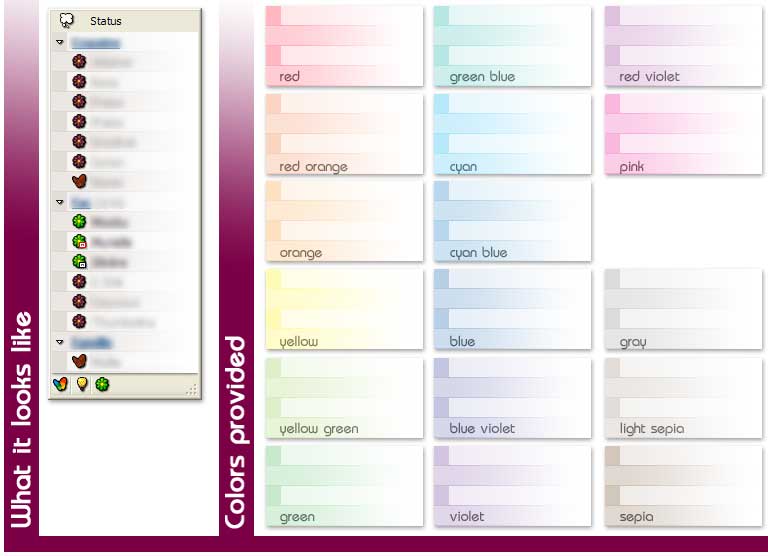
Description: This is a set of simple bitmaps designed to be used as background in Miranda IM.
17 colors variants are provided so you can choose the one you prefer :)
If you enjoy these backgrounds, send me a mail so I know i’m not alone to use them :)
To use this set of backgrounds properly, you should set the following settings in miranda’s option dialog (be sure to have "show expert options" checked so you’ll find them):
Contact List > List > Groups: