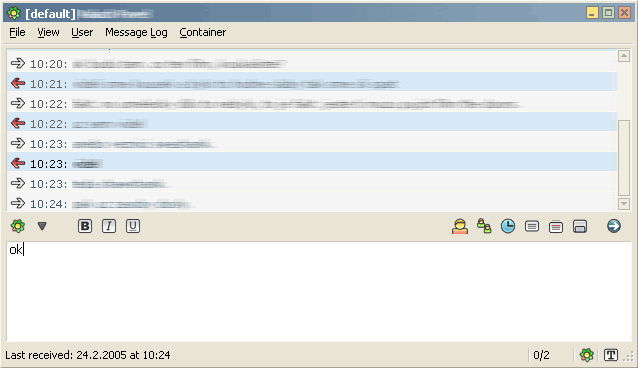
TabSRMM LegendPack icons 1.0
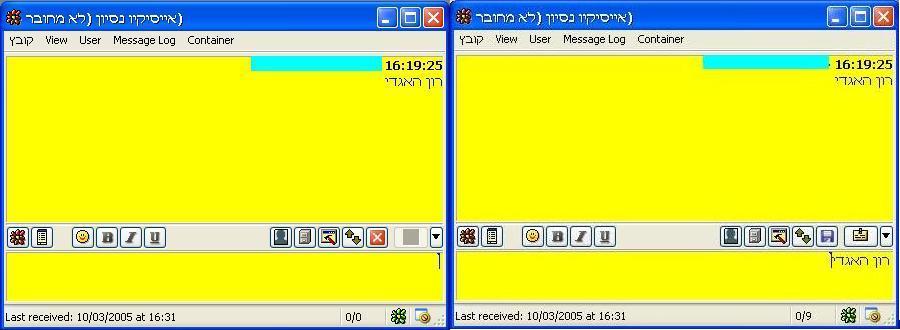
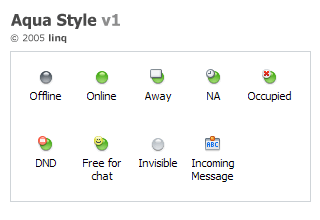
Description: An icon pack that I created for TabSRMM. it’s comfortable and very nice.
Description: An icon pack that I created for TabSRMM. it’s comfortable and very nice.
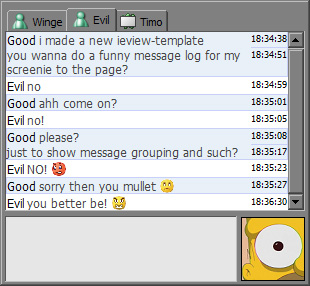
Description: as stated in the readme:
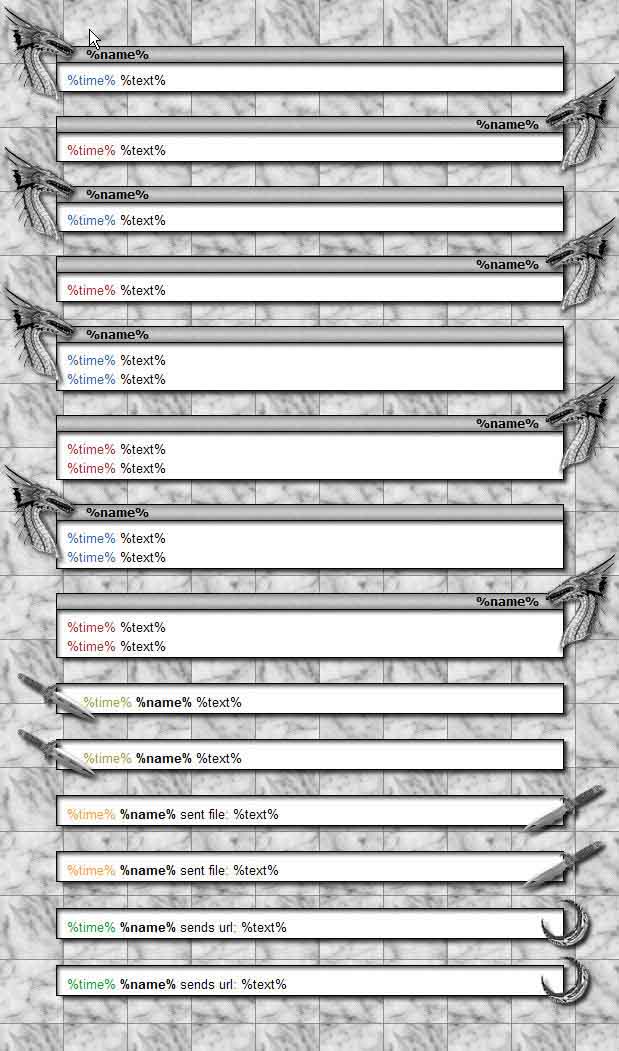
this template contains nothing special at all, it is very boring and contains no eyecandy what so ever. it’s a slim template. only.
contains 2 versions, one with light background and one with dark background:
¤ light blue (shown on the screenshot)
¤ dark mint.
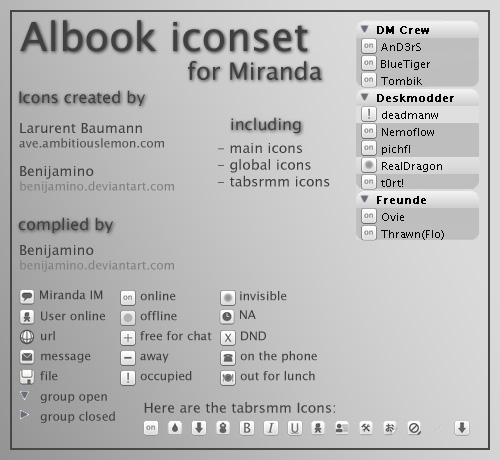
Description: Albook Iconset for Miranda. Icons created by Laurent Baumann and myself
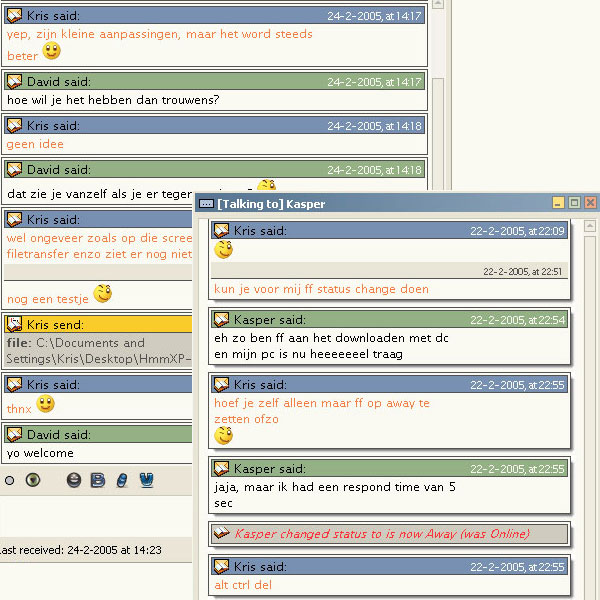
Description: Titel: HmmXP-pack
Developer: K.J. van der Ven
Nick: Syrek
Icons: Borewicz template (temporary)
Disclaimer:
I made this template to encourage ppl to make high quality templates based on correct use of HTML CSS. You are allowed to use this file for your own use, all I ask is a little credit, mention my name in the CSS and if availible the readme-file.
HmmXP:
This one was designed to be a highstanderd IE-view template, based on correct use of HTML and CSS (within the limits of IE). It had to match my beloved HmmXP theme, which I can’t live without anymore. And also it had to be simple and easy editable. I think I succeeded in that with this template.
HmmXP-Drop:
I made this version as a follow up on my original HmmXP-theme, don’t make the windows to wide, because the image included for the dropshadows is not that big. If you want full screen dropshadow support replace the shadow images in the images-folder.
The screenshot shows HmmXP and HmmXP-drop, as you can see uses HmmXP space more efficient.
For issues with the pack, you can contact me on the forum by PM or try to catch me hanging around in the IE-view topic.
If you rate me "thumbs down" I ask you to leave a comment where you state your reasons. And be clear, so I can do something with them and improve my IEView-template.
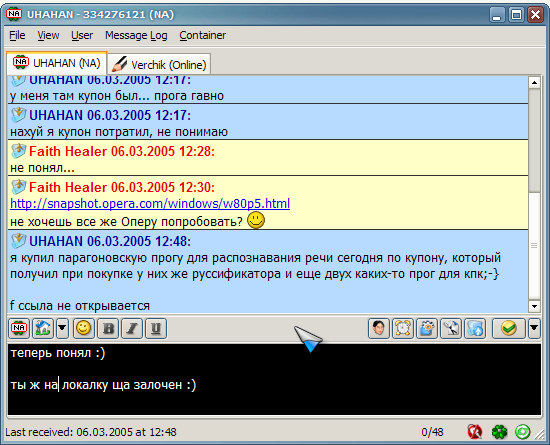
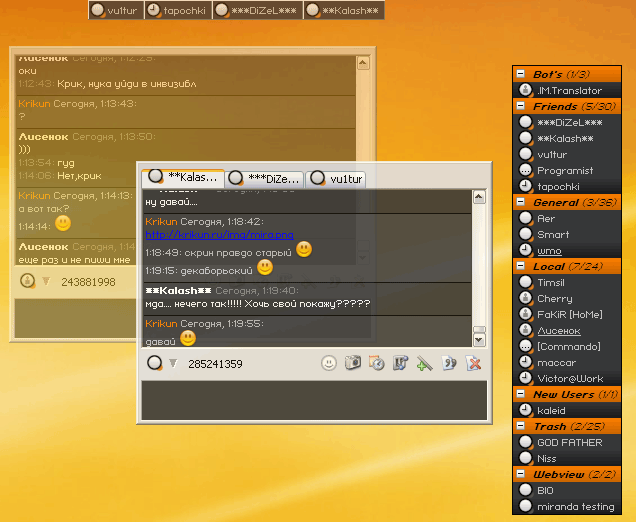
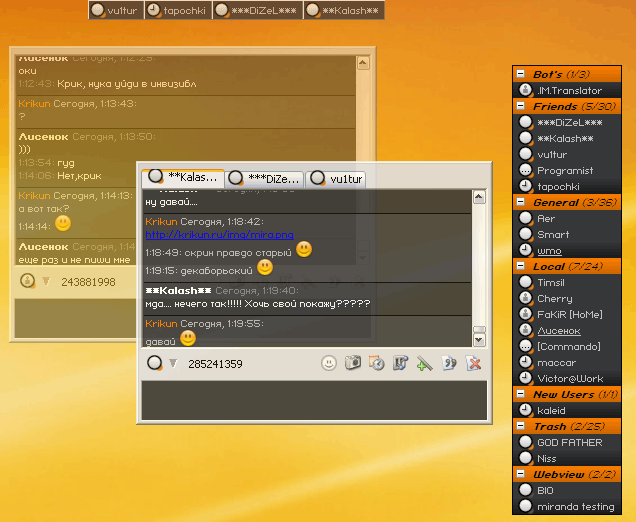
Description: One of my visual schemes (themes) for tabSRMM.
Installation is pretty simple - open any dialog window (menubar should be on), Message log - Import Message log settings…
and browse to *.tabsrmm file.
That’s all :)
Any suggestions and comments please post to my PM (http://forums.miranda-im.org/private.php?do=newpm&u=335) or by mail (faith@inbox.ru)