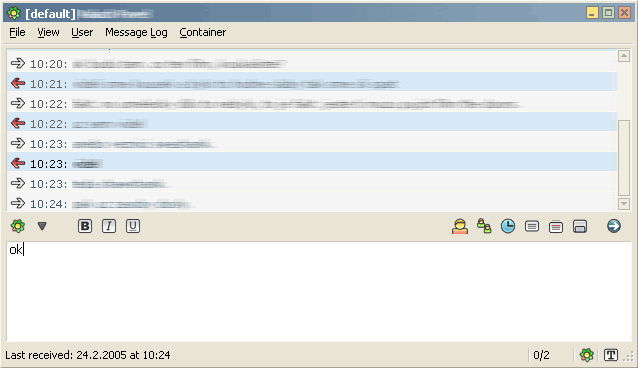
xpk tabsrmm icons 0.2
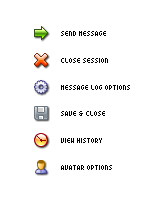
Description: another set of icons for TABSRMM plugin
for winXP only
grab newest version of TABSRMM here >http://hell.at.eu.org/forums amd enjoy
Description: another set of icons for TABSRMM plugin
for winXP only
grab newest version of TABSRMM here >http://hell.at.eu.org/forums amd enjoy
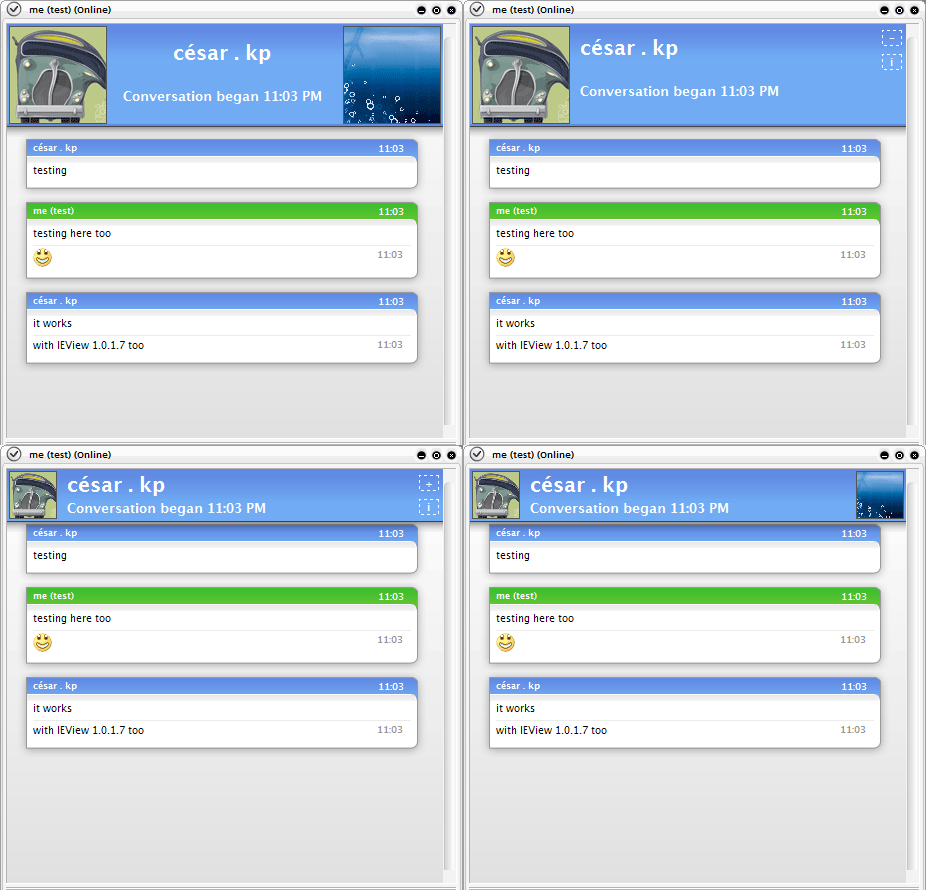
Description: It’s my third template and my first port, you can find the original for Adium X.
in http://www.adiumxtras.com/index.php?a=xtras&xtra_id=705.
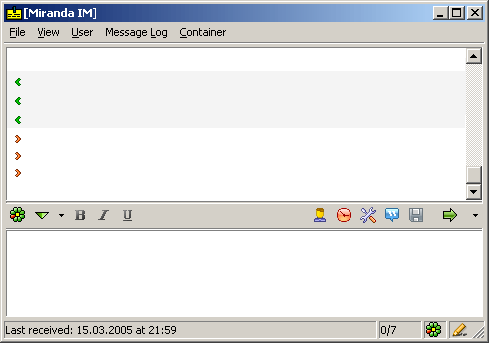
Description: nise set of pixel\xp style icons for TabSRMM plugin
you may need latest version of TabSRMM (http://hell.at.eu.org/forums/)

Description: !!! I fixed bug with "night status" !!! Now - day/night or offline protocol.
I have taken these icons from next iconpack:
http://miranda-im.org/download/details.php?action=viewfile&id=807 - (c) kastner
http://miranda-im.org/download/details.php?action=viewfile&id=1405 - (c) Angeli-ka
and offline icon from miniGANT pack (c) ©Paul Davey
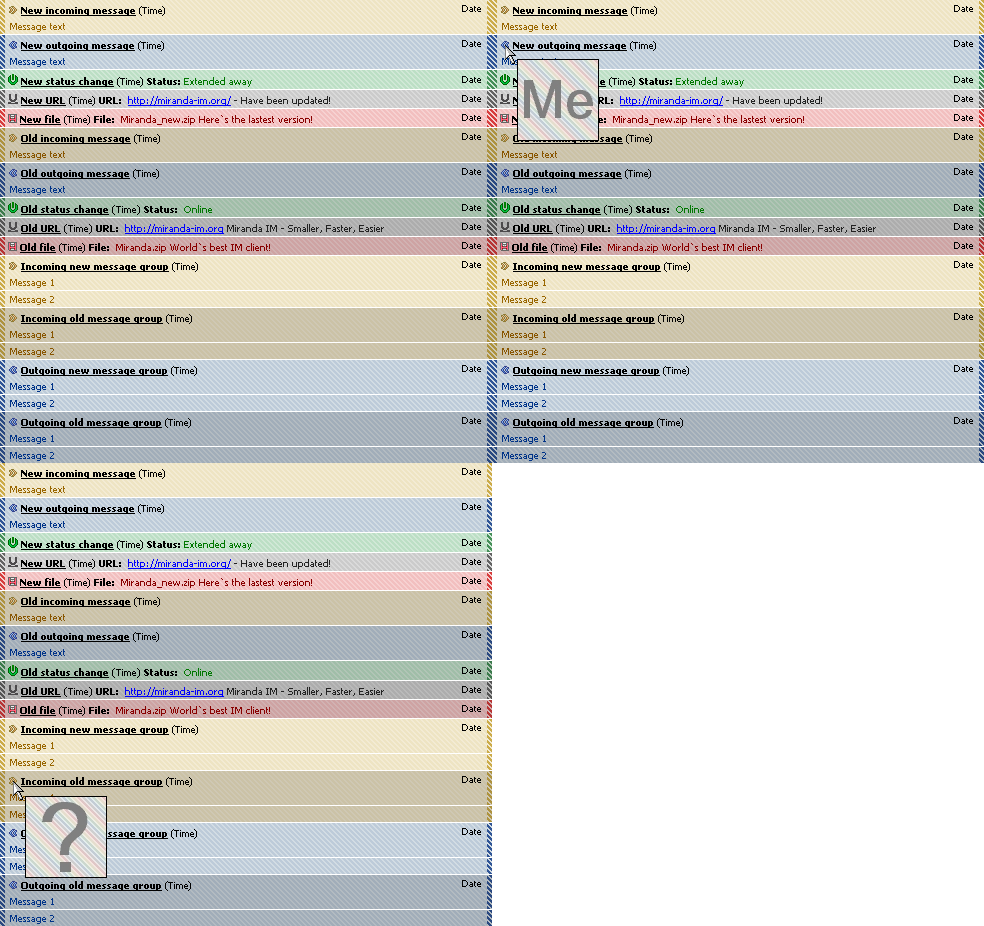
Description: Originally made by raq, but he discontinued project, and let me to continue it.
A both simple and advanced template.
I really liked it but it had no featuer which it has now, and I didn`t like BlendTrans effects of BlendTrans template, but I wanted avatars, so here it is.
Supports avatars and message grouping.
English and polish version available.
—–
Instructions:
To see your own avatar instead of default one "Me" - put another JPEG image instead of myavatar.jpg
To disable avatars support: Delete onmouseover and onmouseout properties from desired event templates
To see an avatar - just roll over your mouse over an icon ;]
Please report bugs, give suggestions and opinions :)

Description: it’s just my theme.. who knows, maybe some1 would like it? :)
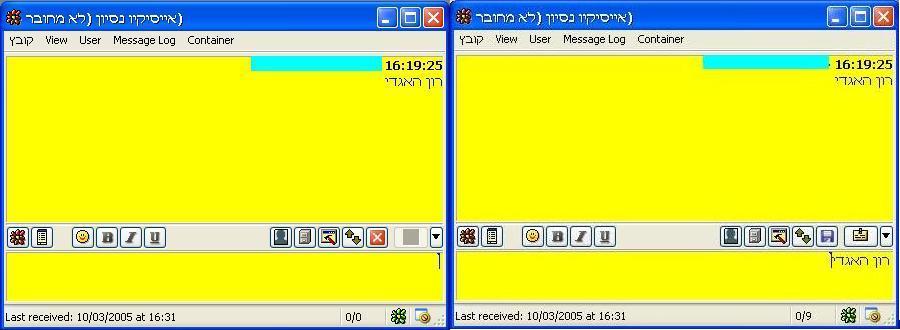
Description: An icon pack that I created for TabSRMM. it’s comfortable and very nice.
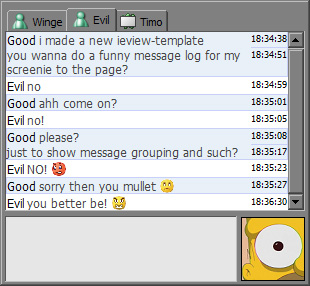
Description: as stated in the readme:
this template contains nothing special at all, it is very boring and contains no eyecandy what so ever. it’s a slim template. only.
contains 2 versions, one with light background and one with dark background:
¤ light blue (shown on the screenshot)
¤ dark mint.